Table of Contents
Introduction
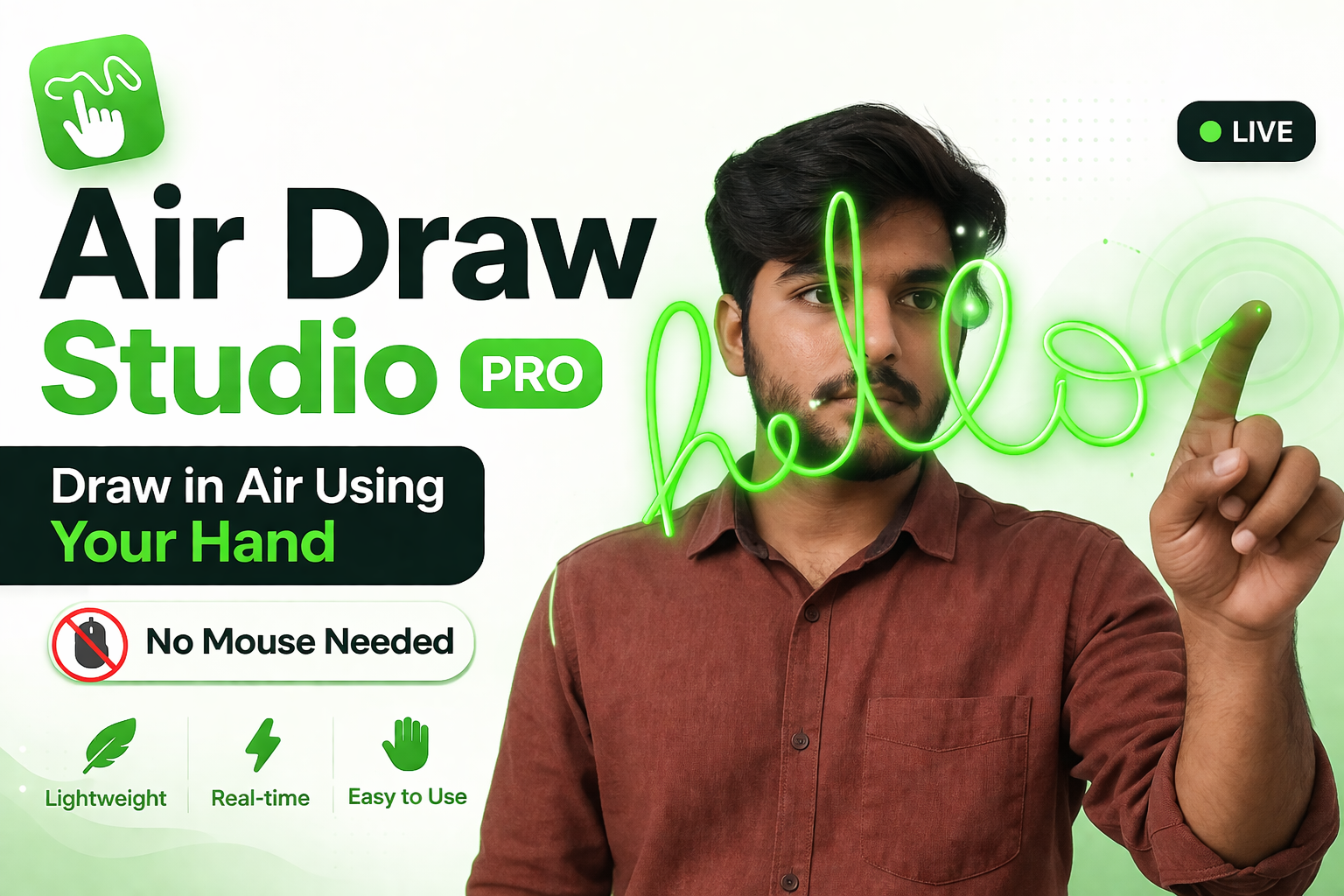
Air Draw Studio Pro is a modern web based drawing app that lets you draw using your hand in the air. Instead of using mouse or pen, this project uses your webcam and tracks your hand movement in real time. It might sound a bit crazy at first but it actually works pretty smooth.
The project is built using JavaScript and MediaPipe, which is a powerful AI library for hand tracking. Everything runs directly inside browser, so you dont need to install any software or tools. Just open the file and start drawing.
What makes this project more interesting is that it is not just a basic demo. It includes multiple brush styles, gesture controls, smooth drawing system and even some cool visual effects. So yeah its more like a mini creative tool.
Usage
Using this project is very simple, even if you are not a developer. After downloading the files, just open the index.html file in your browser. The app will ask for camera permission, so make sure you allow it.
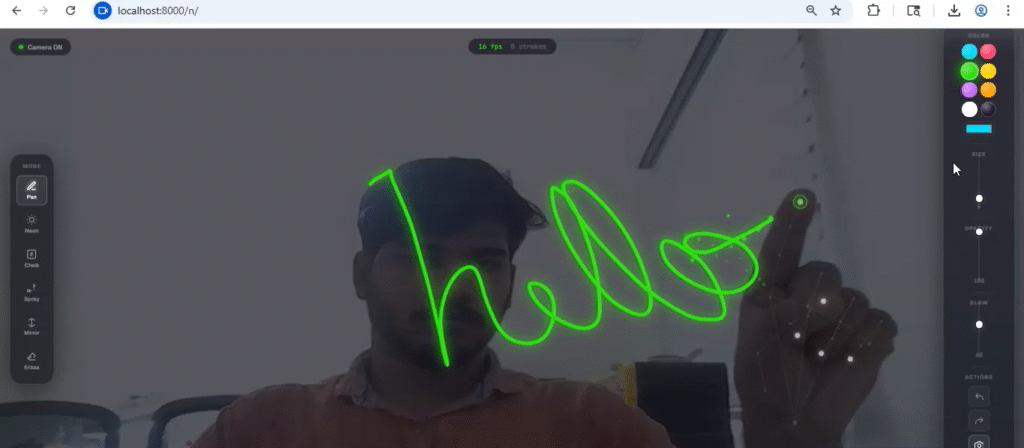
Once the camera is active, you can start using your hand gestures. Raise your index finger to draw on the screen, open your palm to erase drawings, and use pinch gesture to grab and move strokes. It feels a bit weird in starting but after few tries it becomes easy.
There are also toolbars on left and right side where you can change brush type, color, size and other settings. You can even save your drawing as an image file. Small tip, use it in good lighting otherwise detection may not work properly.
Screenshots
Download Link
You can download the complete source code from below link:
After downloading, extract the zip file and open in browser. No setup required which is really nice.
Concept Explanation
The main concept behind this project is hand tracking using AI. It uses MediaPipe library which detects hand landmarks from webcam video. These landmarks are basically points on your fingers and hand joints.
The code then analyzes these points to detect gestures. For example, if the index finger tip is above its joint, it means finger is up and drawing should start. If all fingers are open, it switches to erase mode. There is also a pinch detection where distance between thumb and index finger is calculated.
Another important part is smoothing. Raw hand movement can be shaky, so the app uses smoothing logic to make drawing lines look clean and natural. It also uses canvas rendering techniques to draw strokes with different styles like neon glow, chalk texture, and spray particles.
Overall its a mix of AI detection + canvas graphics + user interaction, which makes it a very interesting project to learn.
Conclusion
Air Draw Studio Pro (Gesture Drawing App) is a fun and useful project that shows how powerful modern web technologies have become. You can literally build AI based applications that run in browser without any backend.
If you are learning JavaScript or interested in computer vision, this project is definitely worth trying. You can also modify and improve it by adding new gestures or features.
It may not be perfect in every condition, but still its a very creative idea and a great portfolio project.
🔗 External Links
- MediaPipe Official Website: https://developers.google.com/mediapipe
- JavaScript Canvas Docs: https://developer.mozilla.org
- Project Creator: https://vandhupar.com
- Web Projects: https://vandhupar.com/webprojects
Keywords
- air drawing app using hand gestures
- mediapipe hand tracking project
- javascript ai drawing app
- draw using webcam hand tracking
- hand gesture drawing app free download
- ai drawing app in browser
- webcam drawing project javascript
- hand tracking canvas app
- Gesture tools
Article Information
Author: zealyen.it
Last Updated: April 29, 2026
This article is part of our practical learning series focused on embedded systems, STM32, Arduino, and IoT.